
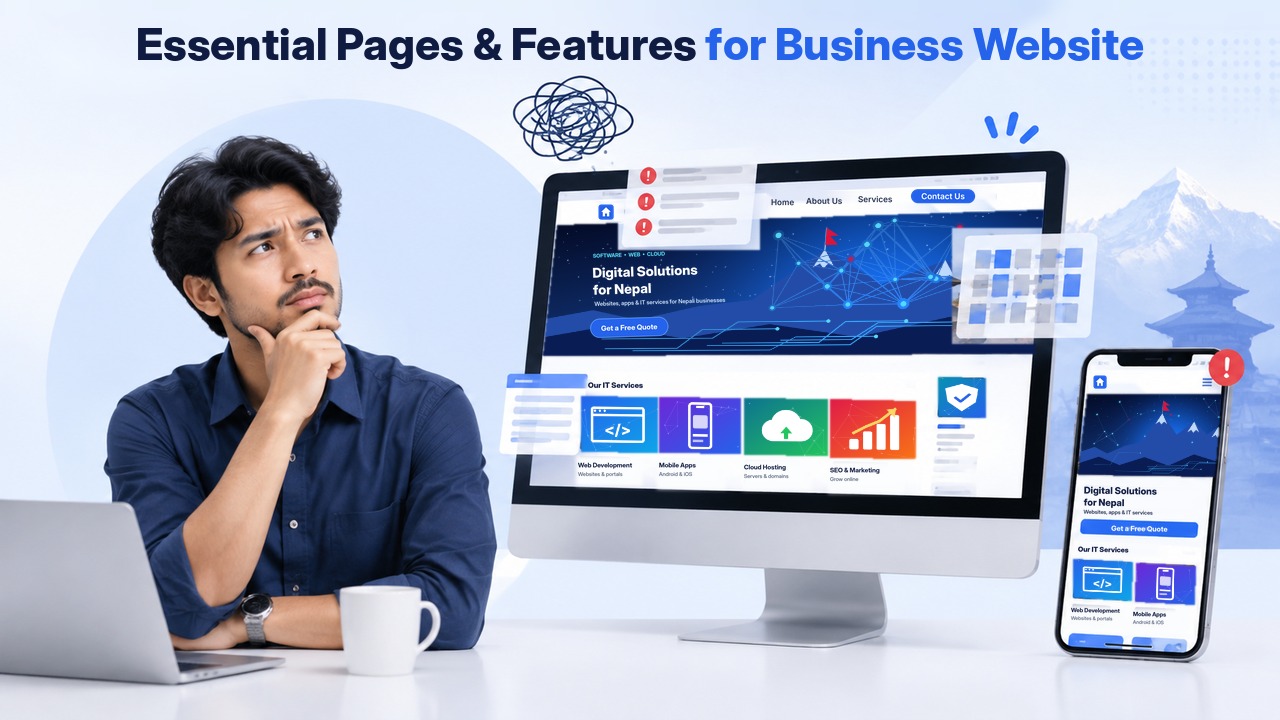
A business website needs more than just a business name, phone number, and a few photos. When customers visit your website, they want to know what you offer, how your business can help them, where you’re located, how much your services might cost, and how they can contact you.
A good website answers this quickly.
That’s why a business website needs more than a homepage. If it includes the right pages, useful information, and features that help customers understand your business, it helps visitors decide what to do next.
So, what should a business website include in Nepal? Let’s look at the essentials.
Essential Pages for Business Website
These pages answer the questions visitors usually have: who you are, what you offer, and where to go when they need more information.
Homepage
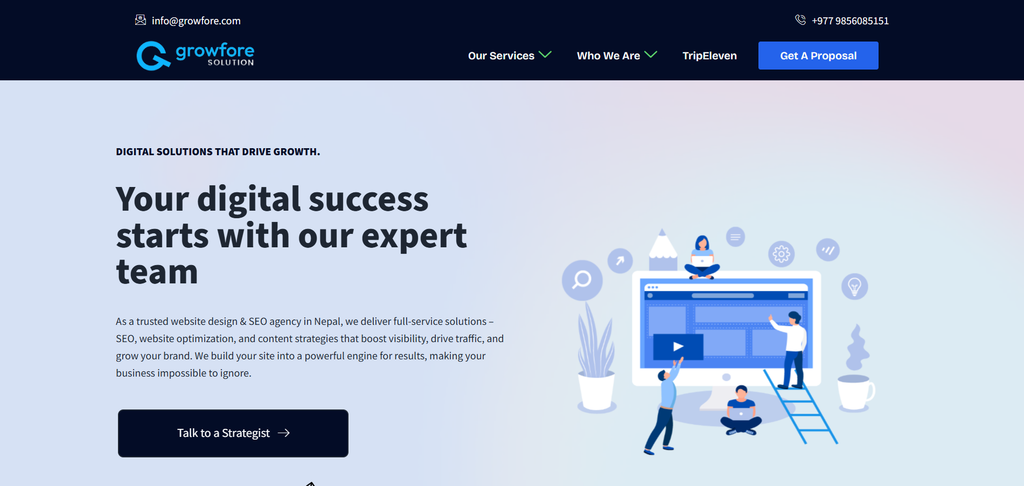
Your homepage is often the first impression someone gets of your business. It should tell visitors what you do and who you help without making them search for the answer.
Start with a short introduction, your main services or products, and a clear next step. It could be a “Request a Quote” button, “Call Now,” or “Book an Appointment,” depending on your business.
Try not to put everything on the homepage. When too many offers, messages, and buttons compete for attention, visitors aren’t sure where to go. Keep it simple. Give them one clear reason to stay and one easy way to move forward.
About Us Page
People want to know who they’re dealing with, especially before spending their money. Your About Us page is a good place to explain how the business started, what you do, how long you’ve been doing it, and who’s behind it.
You don’t need a long company story. A few honest details can make a difference. If you have a team, show them. If you’ve been working in your industry for years, mention that too.
For example, a trekking company in Pokhara showing its actual guides, their experience, and the trails they work on feels more genuine than one filled with generic statements about “passion and excellence.” Visitors want to see the people behind the business, not just read about them.
Services or Products Page
This page should make it easy for someone to understand what they’re getting. Describe each service or product in plain language, explain who it’s for, and mention what is included.
If pricing is available, show it. You don’t always need to list the exact cost, but even a starting price or estimated range in NPR can help visitors decide whether your offer suits them. It also saves you from answering the same basic questions over and over.
Use real images wherever possible. A visitor is more likely to enquire when they can see what you actually offer rather than having to imagine it.
If you’re planning your website structure or deciding which pages to build, our web services can give you a better idea of what goes into building a website around your business needs.
Contact Page
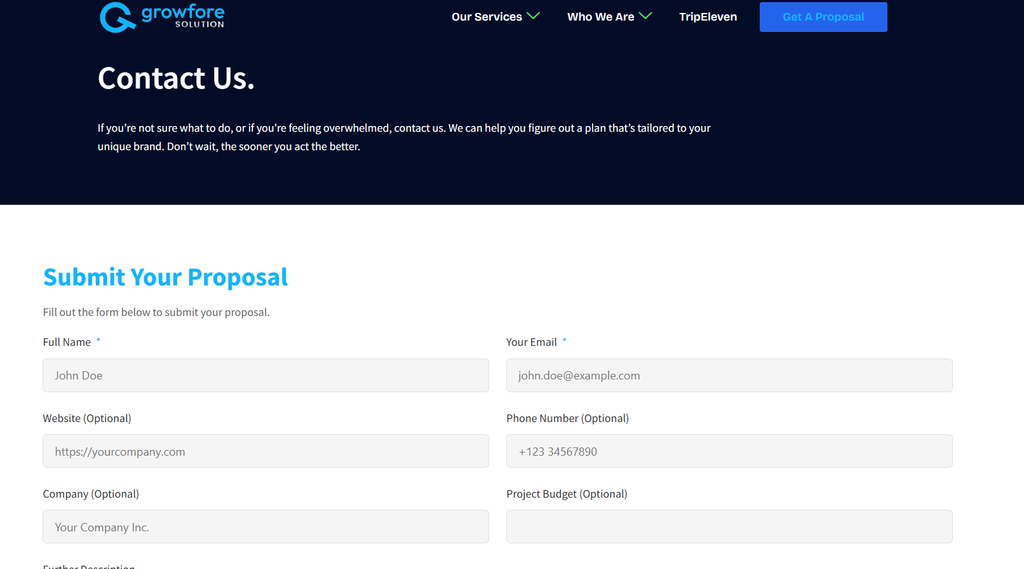
This is one page you really don’t want to make complicated. Someone interested in your business should be able to contact you without searching through the entire website.
Include your phone number, email address, WhatsApp or Viber, business address, opening hours, and a short contact form. If you have a physical location, embed a Google Map as well.
In many places in Nepal, street addresses aren’t always easy to follow. A map pin and a nearby landmark can be much more helpful than a long address alone. And if most of your visitors use phones, make your phone number clickable so they can call with one tap.
Blog Page
Blogs allow you to provide valuable information to your audience. This increases the engagement on your website and will allow your business to be found in more targeted searches.
By publishing helpful and relevant articles, you can address customers’ concerns, help them understand their options, and gradually build trust in your business. It also gives potential customers more reasons to explore your website and consider what you offer.
Top Must-Have Website Features
Even if all pages are at the right place, you should also make sure that people will have a good experience while visiting the site. A few practical features will make a difference whether a visitor stays to explore or leaves immediately
Mobile-friendly design
Most people browse websites and search for information using their mobile phones. If your website takes too long to load, the text is difficult to read, or buttons are hard to tap, visitors can quickly become frustrated and leave. Some may not even return to your website later. That’s why your website should work just as smoothly on a mobile screen as it does on a desktop. Check how it looks and works on an actual phone, not just the desktop preview.
Fast loading speed
Loading speed matters too. If your website contains large images and videos, useless plug-ins, and unoptimised pages, this may cause the site to slow down. Try optimising images to reduce their file sizes, remove any features that you aren’t using and check your page speed in Google PageSpeed Insights.
Easy navigation
Navigation should be simple enough that visitors don’t have to figure out where everything is. Keep your menu familiar with options such as Home, About, Services, Blog, and Contact. If people struggle to find what they’re looking for, it’s usually a sign that the menu needs to be simplified.
Clear calls to action
Every page should tell visitors what to do next. “Book a consultation” works better than a page that simply ends
Secure HTTPS
Your website should also use HTTPS security. It protects information exchanged between the visitor and your website and avoids browser security warnings that can make people question whether your site is safe to visit.
Readable layout and content
Keep paragraphs reasonably short, use headings where they help, and make sure the text is easy to read against the background. You don’t need a complicated design to make a website look professional.
Trust Elements That Make Your Website Feel Credible
Getting visitors to your website is one thing. Getting them to trust your business is another.
People are more likely to trust your business, if they can see what kind of work you have done, what others think of you, or just to know that there is a real person behind the business. You can build trust by including the following things on your website.
Start with genuine photos of your team, workplace, products, or completed projects. Customer reviews also help, particularly when they include a name or location with permission. If you’re a builder, designer, photographer, or service provider, show examples of what you’ve done instead of just telling visitors you’re good at it.
Your business name, address, contact information, and PAN or VAT details where applicable, can help visitors feel more confident. And if your industry requires licenses, memberships, qualifications, or certifications, make them visible where relevant.
You don’t have to add all of these at once. Start with what you have, but make sure the information is genuine and up to date.
SEO Essentials Your Website Shouldn’t Miss
Not every good-looking website ranks or becomes visible on search engines. That’s where SEO comes in. SEO, or Search Engine Optimisation, is the process of improving your website so that search engines like Google can understand its content and show it to people searching for related products or services.
For example, if someone searches for a web design company in Pokhara, SEO helps your website appear in relevant search results. That’s why it’s worth considering SEO while building your website, rather than leaving it until everything is finished.
Here are a few SEO essentials to consider when building a business website:
- Page titles and meta descriptions
- Proper heading structure
- XML sitemap and robots.txt
Additional Features That Depend on Your Business Needs
These are website features for small businesses in Nepal that depend on what you do. Add them only when they serve a real purpose, because unused features slow the site and clutter it.
- Online booking or appointments. Useful for clinics, salons, and consultants.
- Gallery or portfolio. Ideal for photographers, hotels, and designers.
- Live chat or WhatsApp button. Convenient, as long as someone actually replies.
- Newsletter or email subscription. Worthwhile if you plan to send updates or offers.
- Online payment. Options like eSewa or Khalti, or international gateways, suit businesses selling directly online. A service business that only takes enquiries doesn’t need it.
Frequently Asked Questions
What pages should a business website have?
Most businesses can start with Home, About Us, Services or Products, Contact, and a Blog page. You can add a gallery, FAQ, or other pages as your business needs grow.
What are the most important features of a business website?
Mobile-friendly design, fast loading, easy navigation, clear calls to action, HTTPS security, and readable content. These are the basics that make a website easier to use.
Does every business website need a blog?
Not necessarily. A blog is useful if you can publish helpful content regularly and want to attract visitors through search. If you don’t have the time to maintain it, focus on your main pages first.
Should a business website have WhatsApp?
For many businesses in Nepal, yes. Customers often prefer sending a quick message rather than calling or filling out a form. A WhatsApp button can make contacting you easier, as long as you respond.
Does a business website need SEO?
Yes, at least the basics. Page titles, useful content, proper headings, local information, and a Google Business Profile can help your website become easier to find in search results.
What makes a business website professional and trustworthy?
Clear information, genuine photos, customer reviews, visible contact details, a secure connection, and a layout that works properly on phones. It doesn’t have to look flashy. It just needs to feel reliable and make things easy for the visitor.
Conclusion
A business website doesn’t need to be complicated or packed with features to work well. It needs to answer the questions customers have, help them find what they’re looking for, and give them a reason to contact you.
Start with the essential pages, make sure everything works on mobile, include genuine trust signals, and take care of the SEO basics. You can add booking, payment, blogging, and other features later, when there’s a real need for them.
If you’re planning to build a new website or improve an existing one and aren’t sure what it needs, you can contact Growfore to figure out where to start.